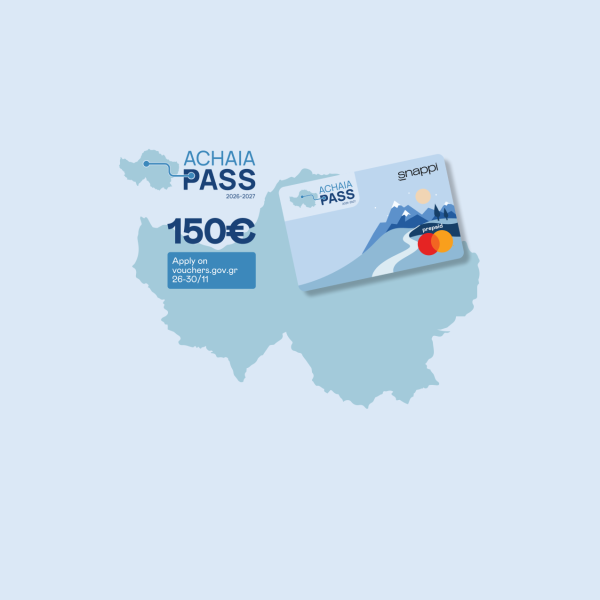





Are you a Chios Pass or Kythira Pass beneficiary? See how to get your Snappi card
Have you been selected for the Chios Pass or Kythira Pass? Great news!
This means you can receive the financial support linked to your selected destination through a virtual digital debit card with Snappi.
In just a few simple steps, you can get your card through the app and be ready to use it in Chios or Kythira, depending on the programme you have been selected for.
What are Chios Pass & Kythira Pass?
Chios Pass and Kythira Pass are financial support initiatives designed to boost tourism activity in two beloved Greek destinations: Chios and Kythira.
As a beneficiary, you receive a virtual digital debit card that you can use for purchases and payments at eligible businesses in your selected destination.
The amount of support is:
- €300 for Chios Pass
- €250 for Kythira Pass
Simply put? One pass, one destination, one digital card on your phone.
Where can you use it?
You can use your Snappi card at eligible businesses in Chios or Kythira, depending on the destination you have been selected for.
The card can be used for expenses related to:
- accommodation,
- food and dining,
- local transportation.
Important: The card can only be used at physical POS terminals, at eligible businesses in your selected destination. It cannot be used for online purchases or bookings through web POS.
How to get your card
If you have selected Snappi for your card issuance, the process takes place through the app in a few simple steps.
If you do not have a Snappi account yet
- Once you receive an email or message from Snappi, download the Snappi app from the App Store or Google Play.
- Open the app and tap “Gov Passes”.
- Select the pass you have been chosen for: Chios Pass or Kythira Pass.
- Read the information that appears on your screen and continue.
- Accept the relevant terms, where requested.
- Enter the email address linked to your application, your mobile phone number, and confirm it with the code you will receive.
- Enter your Tax Identification Number, also known as AFM.
- Follow the security and verification steps that appear on your screen.
- Once you complete the process, your digital card will be available in the Snappi app.
If you already have a Snappi account
- Open the Snappi app.
- Log in with your account details.
- Tap “Gov Passes”.
- Select the pass you have been chosen for: Chios Pass or Kythira Pass.
- Fill in or confirm the details requested.
- Follow the instructions that appear on your screen.
- Once the process is complete, your digital card will appear in the Snappi app.
Used a different email?
If you already have a Snappi account, but used a different email for your Chios Pass or Kythira Pass application, please use the email address registered with your Snappi account so the process can move forward correctly.
Simple, quick and from your phone. 💙
Need help?
If you need support at any step, the Snappi team is here for you 24/7.
You can contact us through the chat in the Snappi app, by phone at +30 210 4838000 or by email at customer@snappibank.com.