


#CyberOctober – Shadow AI: Think Before You Prompt

Stop. Check. Snap Secure.

Cyber Villain: The Shadow AI User

AI tools can save time, simplify tasks and help us work more efficiently. But when we use such tools, convenience can quickly turn into a security risk.

This is where Shadow AI comes in. It refers to the use of AI tools, applications or features outside an organization’s approved approach. Uploading an internal business document to a free AI website or pasting customer information into an unapproved chatbot might seem harmless, but it can expose sensitive information and create risks for both the company and its customers.

This week isn’t about discouraging AI. It’s about using it responsibly.

Before you paste, upload or prompt, take a moment to think about the information you’re sharing and whether the tool is approved for that specific use.

What should you know about Shadow AI?

Not all information belongs in an AI prompt. Company documents, customer data, source code and security details need appropriate protection, regardless of how convenient an AI tool might be.

Keep these key points in mind:

  • Protect confidential information. Never enter confidential business information into unapproved AI tools.
  • Handle customer and personal data carefully. Only use this information when the use case is explicitly approved and appropriate protections are in place.
  • Keep sensitive assets secure. Source code, credentials, security information and internal documents require the right level of protection.
  • Check AI-generated content. AI can produce incorrect, incomplete or misleading answers, even when the output sounds convincing. Human review is essential.
  • Follow your organization’s requirements. Use approved AI tools and follow current AI, data-handling and security requirements.
  • Ask when in doubt. If you’re unsure whether a tool or use case is approved, check before using it.

 

Snappi Cyber Challenge: Would you prompt this?


Imagine you need to summarise a long internal document quickly. You find a free AI website that promises to do the job in seconds, and uploading the document seems like the easiest option.

There’s just one thing to consider: the document contains internal project information and customer-related data.

What should you do?

Stop. Don’t upload the document to an unapproved AI service. Instead, use an approved tool and follow your company’s data-handling requirements.

Saving a few minutes isn’t worth putting sensitive information at risk. A quick check before you prompt can make all the difference.

How to use AI safely in business

A few simple steps can help you get the benefits of AI without creating unnecessary security risks.

  1. Stop before you share. Think before pasting or uploading business information into an AI tool.
  2. Check the tool and the use case. Make sure both are approved for the task you want to complete.
  3. Protect sensitive information. Remove or protect it only when the approved process allows you to do so. Remember that removing names alone may not be enough to anonymise data.
  4. Review the results. Validate AI-generated content before using it in business decisions or communications.
  5. Ask for guidance. If the right approach isn’t clear, contact DPO or the relevant owner.


Do’s and don’ts of responsible AI use

Do

  • Use company approved AI services.
  • Consider data classification before entering information into a prompt.
  • Review and validate AI-generated output before relying on it.
  • Raise new AI tools or use cases through the approved route.

Don’t

  • Paste customer or personal data into public AI tools unless the specific use is explicitly approved and protected.
  • Upload confidential documents to unapproved AI services.
  • Assume an answer is correct just because it sounds confident.
  • Connect unapproved AI plugins or tools to your company’s data or systems.

Think before you prompt

AI can be a valuable part of how we work, but using it responsibly is everyone’s responsibility. The goal isn’t to avoid AI. It’s to make informed choices about which tools we use, what information we share and how we validate the results.

Before your next prompt, take a moment to stop and check.

Stop. Check. Snap Secure.

Got a minute? 

Start the quiz and check what you have learned. 

Read also

Lorem ipsum dolor sit amet, consectetur adipiscing elit. Ut elit tellus, luctus nec ullamcorper mattis, pulvinar dapibus leo.

#CyberOctober – Shadow AI: Think Before You Prompt

Stop. Check. Snap Secure.

Cyber Villain: The Shadow AI User

AI tools can save time, simplify tasks and help us work more efficiently. But when we use such tools, convenience can quickly turn into a security risk.

This is where Shadow AI comes in. It refers to the use of AI tools, applications or features outside an organization’s approved approach. Uploading an internal business document to a free AI website or pasting customer information into an unapproved chatbot might seem harmless, but it can expose sensitive information and create risks for both the company and its customers.

This week isn’t about discouraging AI. It’s about using it responsibly.

Before you paste, upload or prompt, take a moment to think about the information you’re sharing and whether the tool is approved for that specific use.

What should you know about Shadow AI?

Not all information belongs in an AI prompt. Company documents, customer data, source code and security details need appropriate protection, regardless of how convenient an AI tool might be.

Keep these key points in mind:

  • Protect confidential information. Never enter confidential business information into unapproved AI tools.
  • Handle customer and personal data carefully. Only use this information when the use case is explicitly approved and appropriate protections are in place.
  • Keep sensitive assets secure. Source code, credentials, security information and internal documents require the right level of protection.
  • Check AI-generated content. AI can produce incorrect, incomplete or misleading answers, even when the output sounds convincing. Human review is essential.
  • Follow your organization’s requirements. Use approved AI tools and follow current AI, data-handling and security requirements.
  • Ask when in doubt. If you’re unsure whether a tool or use case is approved, check before using it.


Snappi Cyber Challenge: Would you prompt this?


Imagine you need to summarise a long internal document quickly. You find a free AI website that promises to do the job in seconds, and uploading the document seems like the easiest option.

There’s just one thing to consider: the document contains internal project information and customer-related data.

What should you do?

Stop. Don’t upload the document to an unapproved AI service. Instead, use an approved tool and follow your company’s data-handling requirements.

Saving a few minutes isn’t worth putting sensitive information at risk. A quick check before you prompt can make all the difference.

How to use AI safely in business

A few simple steps can help you get the benefits of AI without creating unnecessary security risks.

  1. Stop before you share. Think before pasting or uploading business information into an AI tool.
  2. Check the tool and the use case. Make sure both are approved for the task you want to complete.
  3. Protect sensitive information. Remove or protect it only when the approved process allows you to do so. Remember that removing names alone may not be enough to anonymise data.
  4. Review the results. Validate AI-generated content before using it in business decisions or communications.
  5. Ask for guidance. If the right approach isn’t clear, contact DPO or the relevant owner.


Do’s and don’ts of responsible AI use

Do

  • Use company approved AI services.
  • Consider data classification before entering information into a prompt.
  • Review and validate AI-generated output before relying on it.
  • Raise new AI tools or use cases through the approved route.

Don’t

  • Paste customer or personal data into public AI tools unless the specific use is explicitly approved and protected.
  • Upload confidential documents to unapproved AI services.
  • Assume an answer is correct just because it sounds confident.
  • Connect unapproved AI plugins or tools to your company’s data or systems.

Think before you prompt

AI can be a valuable part of how we work, but using it responsibly is everyone’s responsibility. The goal isn’t to avoid AI. It’s to make informed choices about which tools we use, what information we share and how we validate the results.

Before your next prompt, take a moment to stop and check.

Stop. Check. Snap Secure.

Got a minute? 

Start the quiz and check what you have learned. 

Lorem ipsum dolor sit amet, consectetur adipiscing elit. Ut elit tellus, luctus nec ullamcorper mattis, pulvinar dapibus leo.
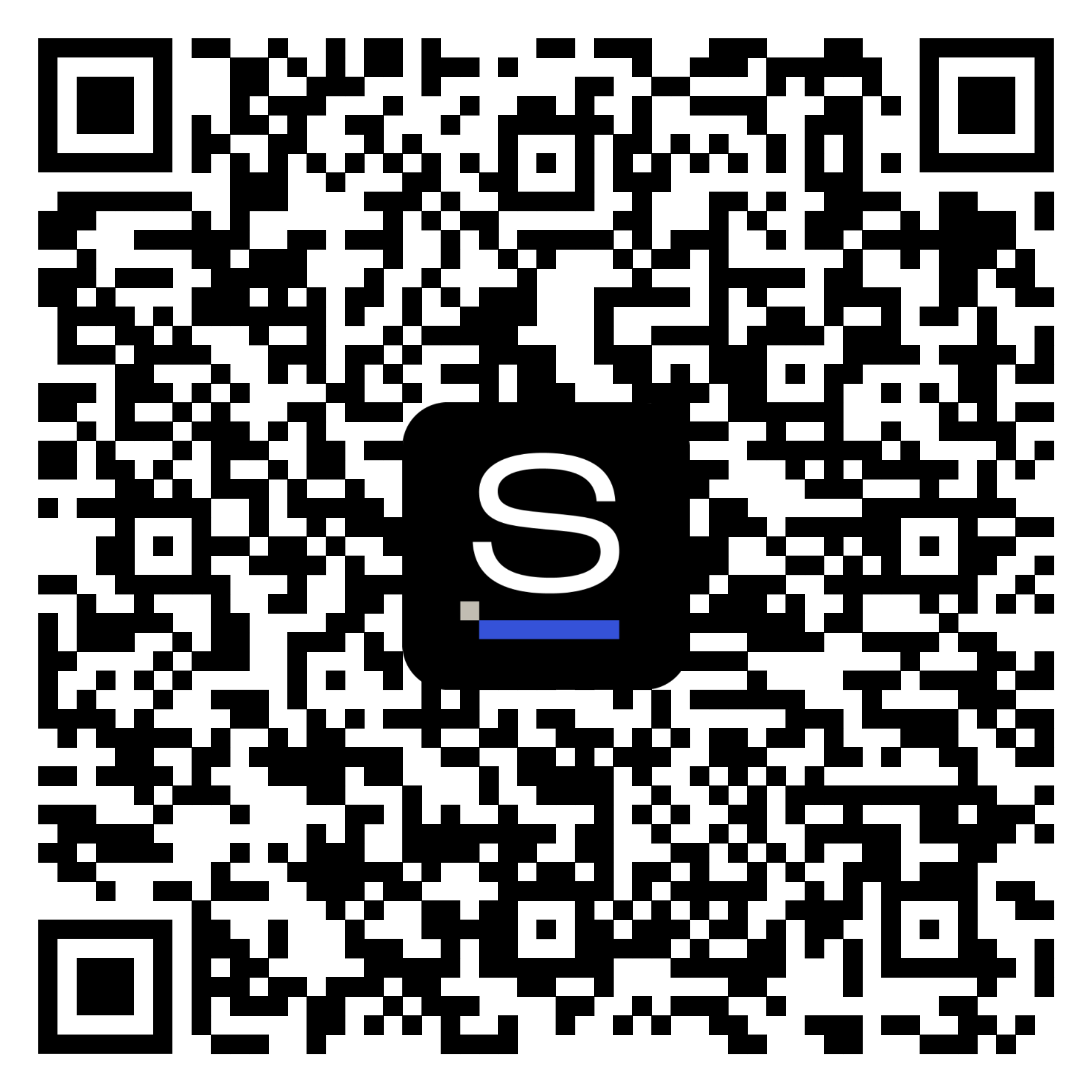
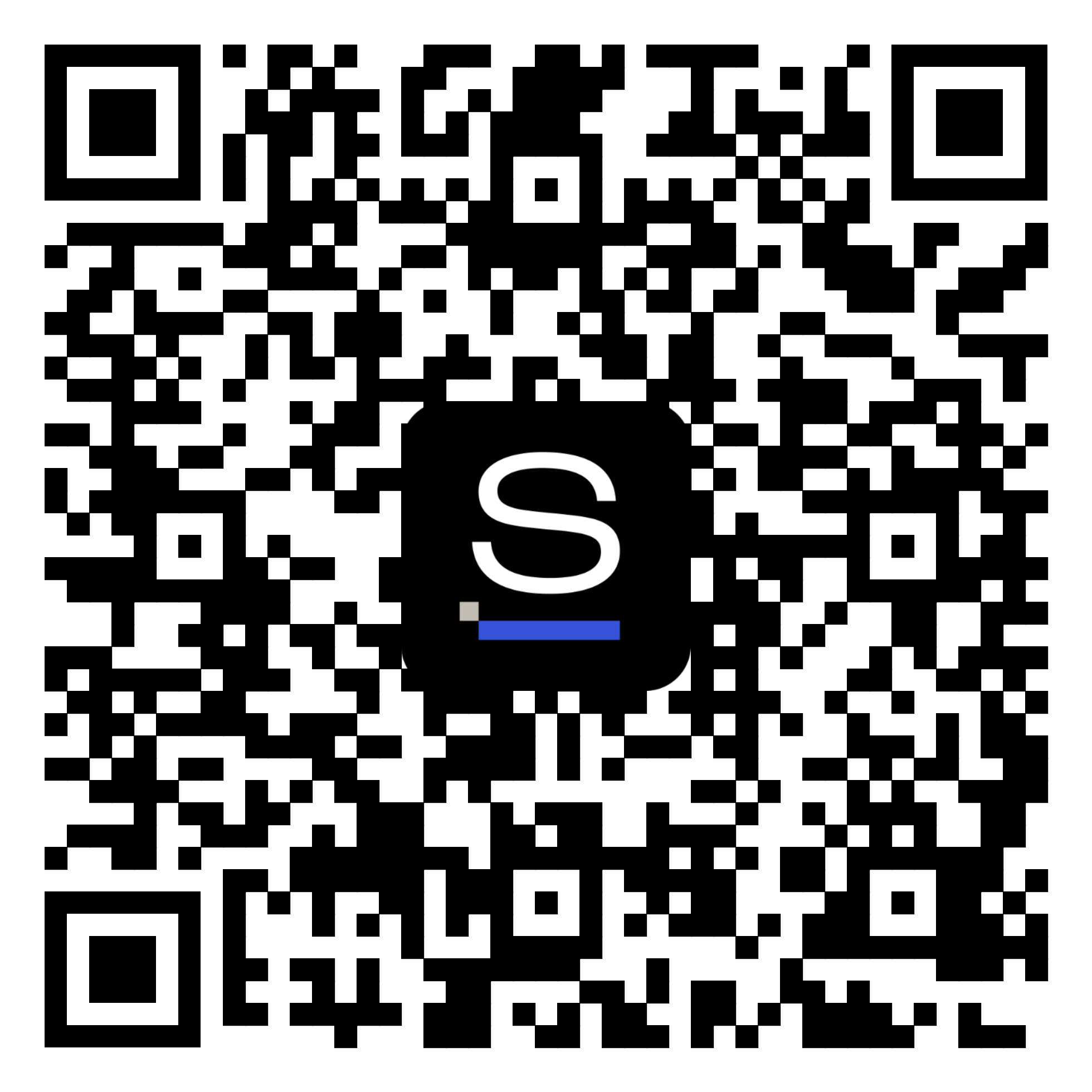
Get the Snappi app

Scan the QR code to download the app

Click to download the app

or get a download link via SMS

Get the app